Filter
Almost all sections of OZOLS sections have the optionpossibility to set a Filter for to selectselecting the informationdata you need. The filterFilter is located in the toolbar.

If all records are not displayed when opening one of the OZOLZ TMS sections, make sure that one of the filters has not been turned on from the previous use.use.
- To find a document by number, it is enough to enter the last two digits of the number.
By placing a% signentry,entryitenablesissearchpossible to select byfor partial number or name.

 turns on the specific filter
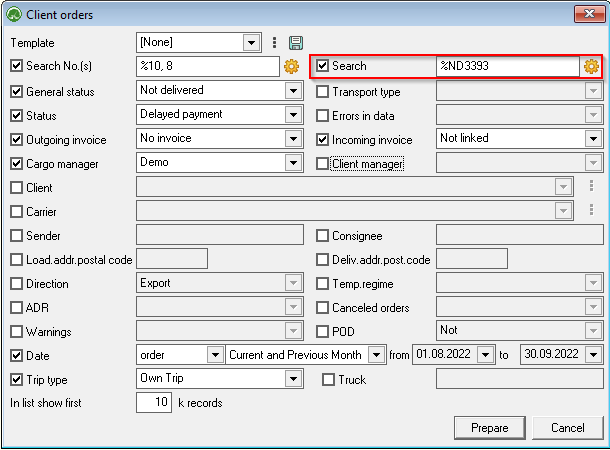
The additional Search function built into the filter filter on the right side of window allows you to enter additional search criteria. More about search options options here .