Exchanging the cargo information in OZOLS TMS
Companies that use OZOLS TMS can exchange order information automatically with reference number.
1) Sending cargo information to partner
- Press Mail or Print
- Choose – Order for carrier
- The system will prepare e-mail, with attached CARGO TRANSPORTATION ORDER – AGREEMENT
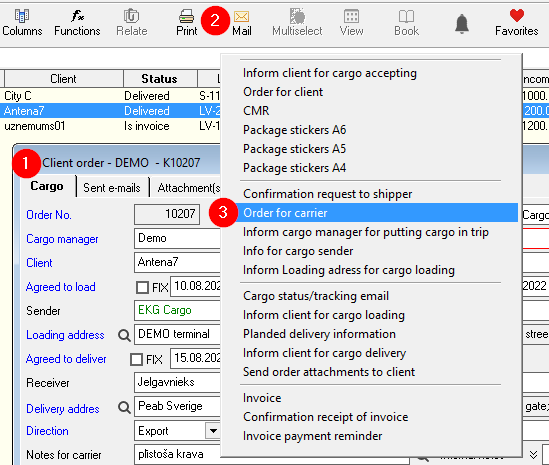
- The number of CARGO TRANSPORTATION ORDER – AGREEMENT is the reference number

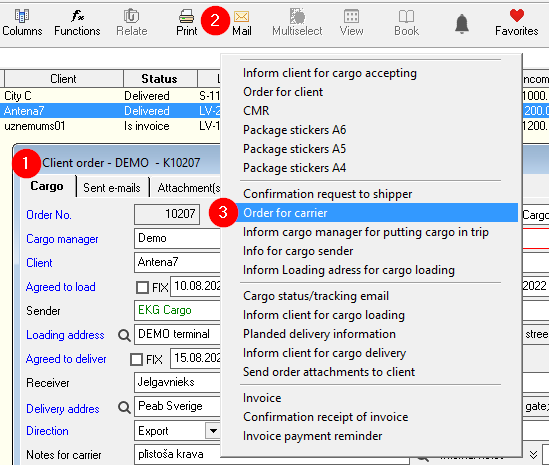

Number of this agreement is the reference number for the partnercargo who receives agreement.information
2) Receiving of cargo information from partner
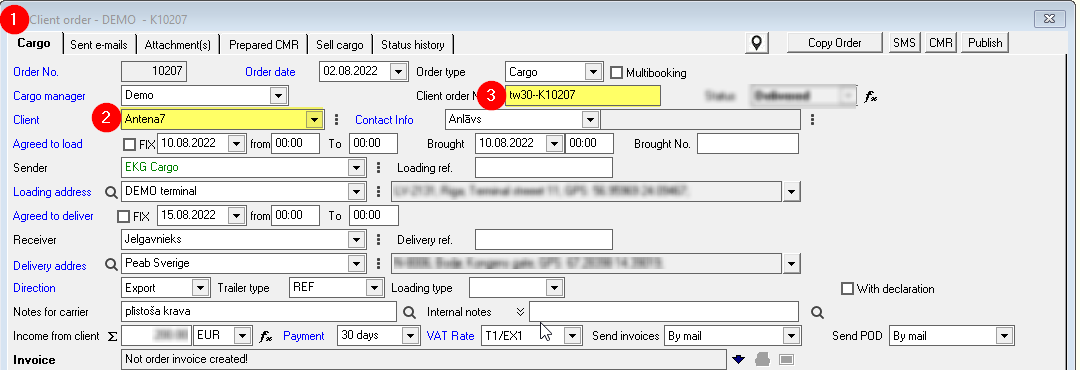
- When creating new client order,
- Enter the name of the Client,
- Enter the number of agreement = Client order Number,
- OZOLS TMS will offer you to fill the information from Partner automatically.
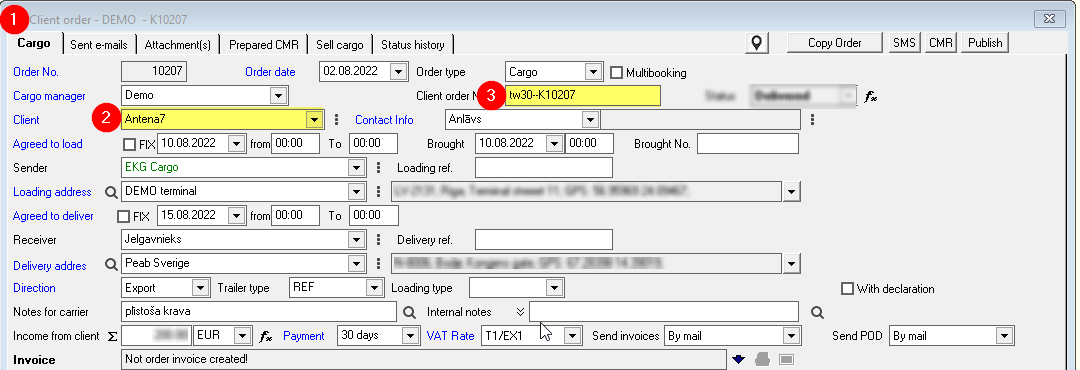
ATTENTION! Some OZOLS TMS user companies have disabled this option.