7) Unable to connect to OZOLS TMS
If by connecting to OZOLS TMS you encounter the message:
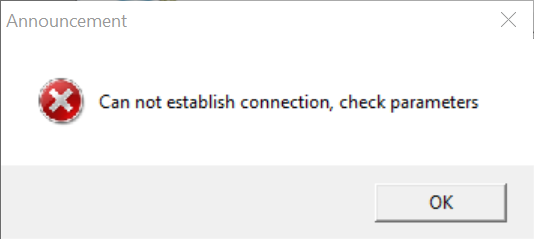
- If the "Can not establish connection, check parameters" message pops up in less than ~5 seconds, then make sure you have entered the User Name and Password correctly.
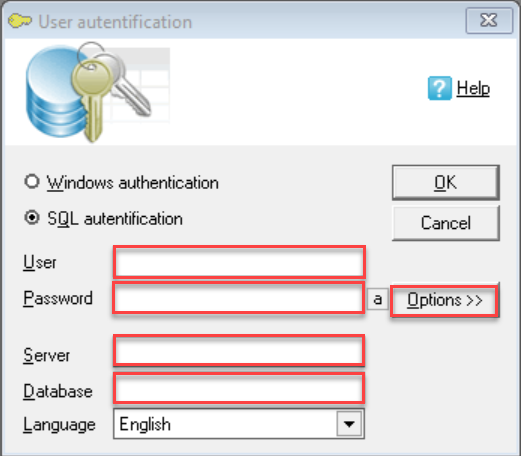
- If the message "Can not establish connection, check parameters" is displayed after more than ~5 seconds:
- 1. Click the "Options <<" button
- 2. Check that the server name and database name are entered correctly
- 3. Make sure the internet connection is working
If the above instructions have not solved the problem, please contact OZOLS TMS Customer Support at info@cloudex.lv or call +371-28-38-83-00