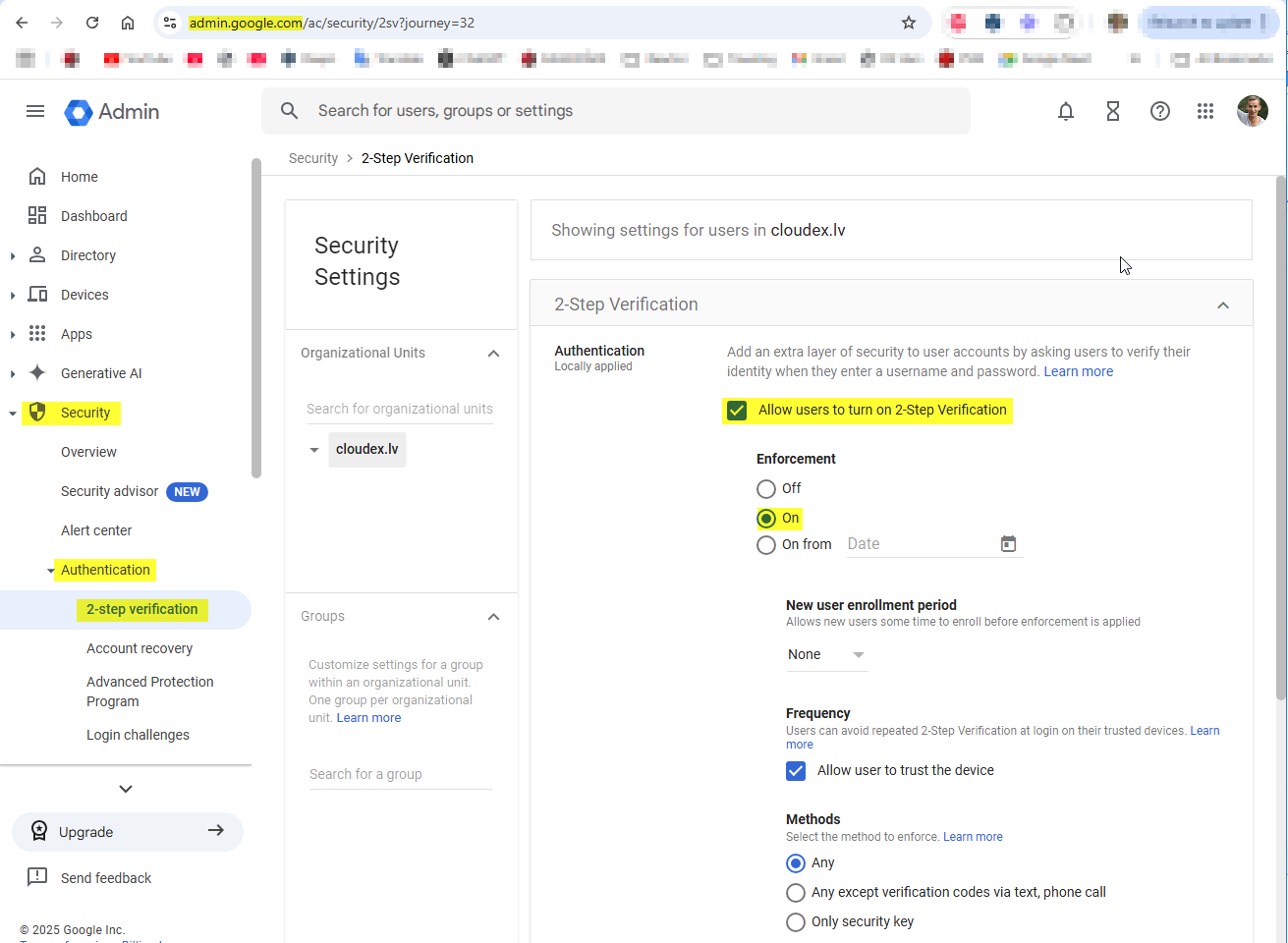
Create google email password
1) Open google account and login:
https://myaccount.google.com/
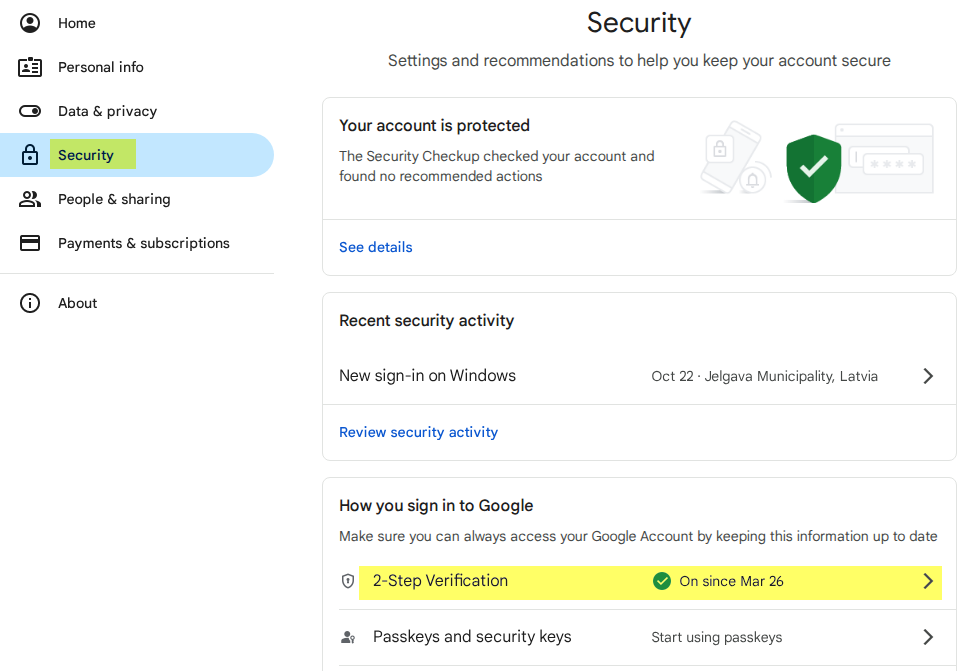
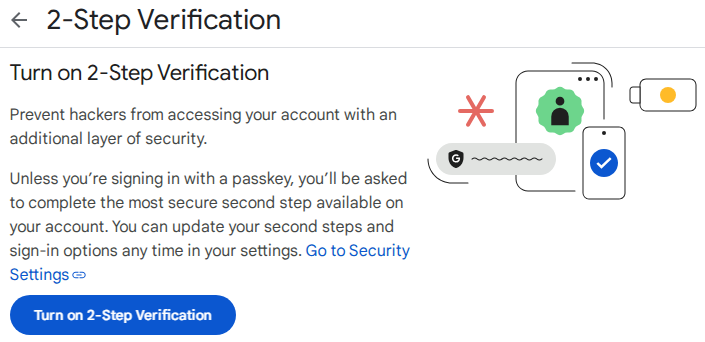
3) Ieslēgt "2-pakāpju verifikāciju / 2-Step verification"
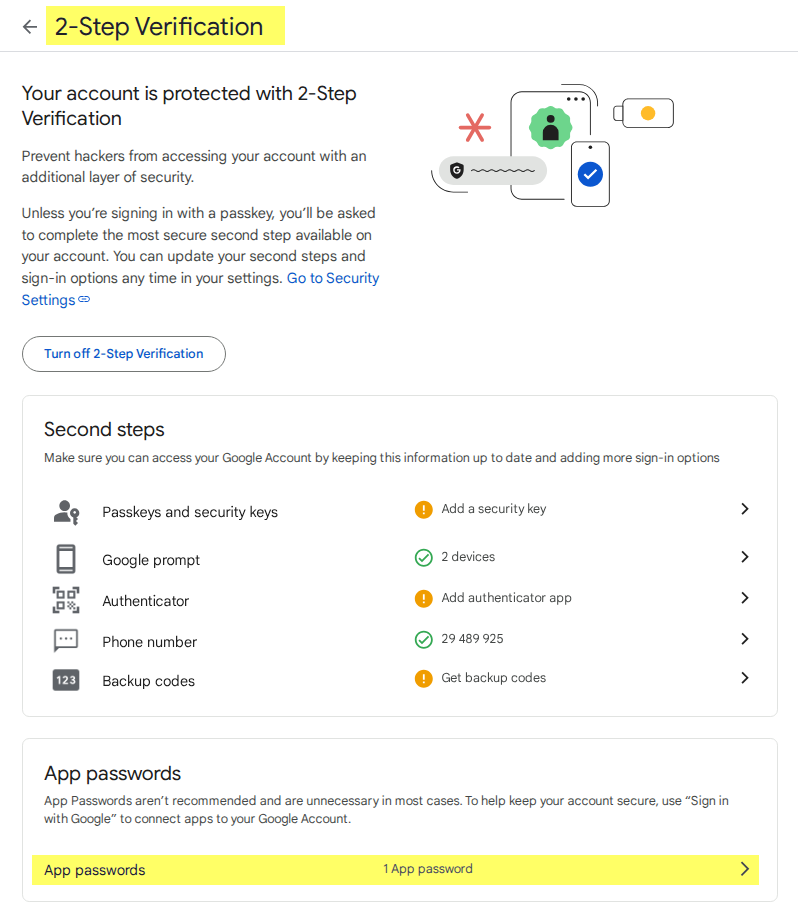
4) IzveidoCreate paroli/atslēgua e-pastiempassword/key for emails
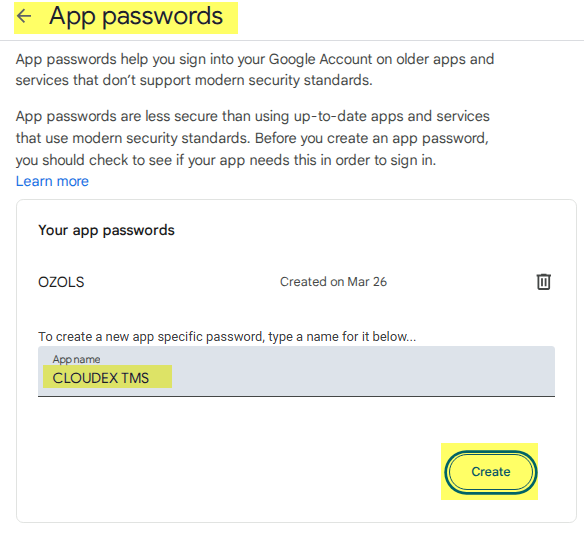
JaIf Divpakāpjuthere verifikācijasis no "App passwords" section in the Two-step verification / 2-setpstep verification labāsection, navyou sadaļamust "Lietotņuexit parolesthe /page Appand passowords"re-enter tadit. irOr jāizietuse nothe lapas un tajā jāieiet vēlreiz. linkVai lietojiet saiti https://myaccount.google.com/apppasswords
5) ParolesCreate izveide password
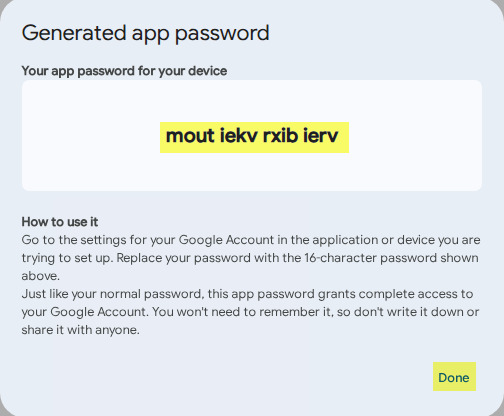
6) Copy new password and enter it in OZOLS or CLOUDEX TMS
Instructions for entering your email password in Ozols: https://ozols.lv/doc/books/ozols-tms-latviski/page/5-e-pasta-iestatijumi
Instructions for entering your email password in CLOUDEX TMS: https://ozols.lv/doc/books/cloudex-tms-latviski/page/e-pasta-iestatijumi
UzņēmumiemCompanies irmust jābūthave ieslēgtaithe iespējaioption kaenabled irthat pieejamis "2-step Verification"available