Unpaid outgoing invoices
Two ways to select unpaid outgoing invoices
1. List of all unpaid outgoing invoices:
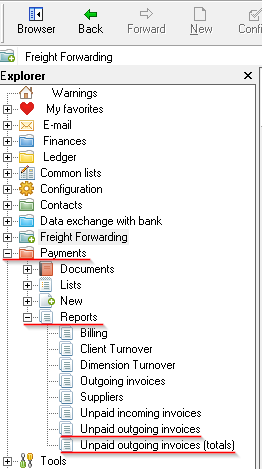
OZOLS > Payments > Reports > Unpaid outgoing invoices
2. Outgoing invoices grouped by Partners :
OZOLS > Payments > Reports > Unpaid outgoing invoices (totals)
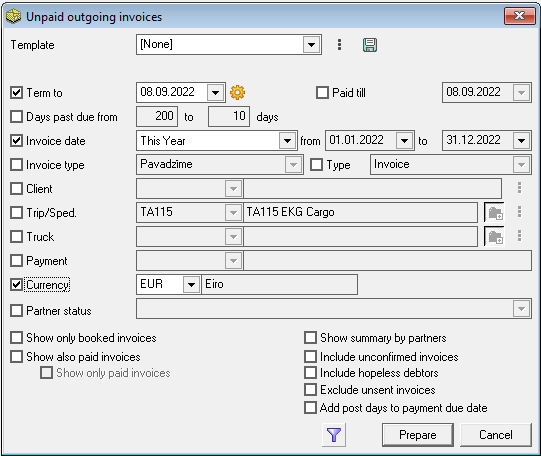
3. With the help of Filter  , specify additional conditions for more accurate selection.
See also :
How to send payment reminders by e-mail?
List of debtors in your e-mail.